

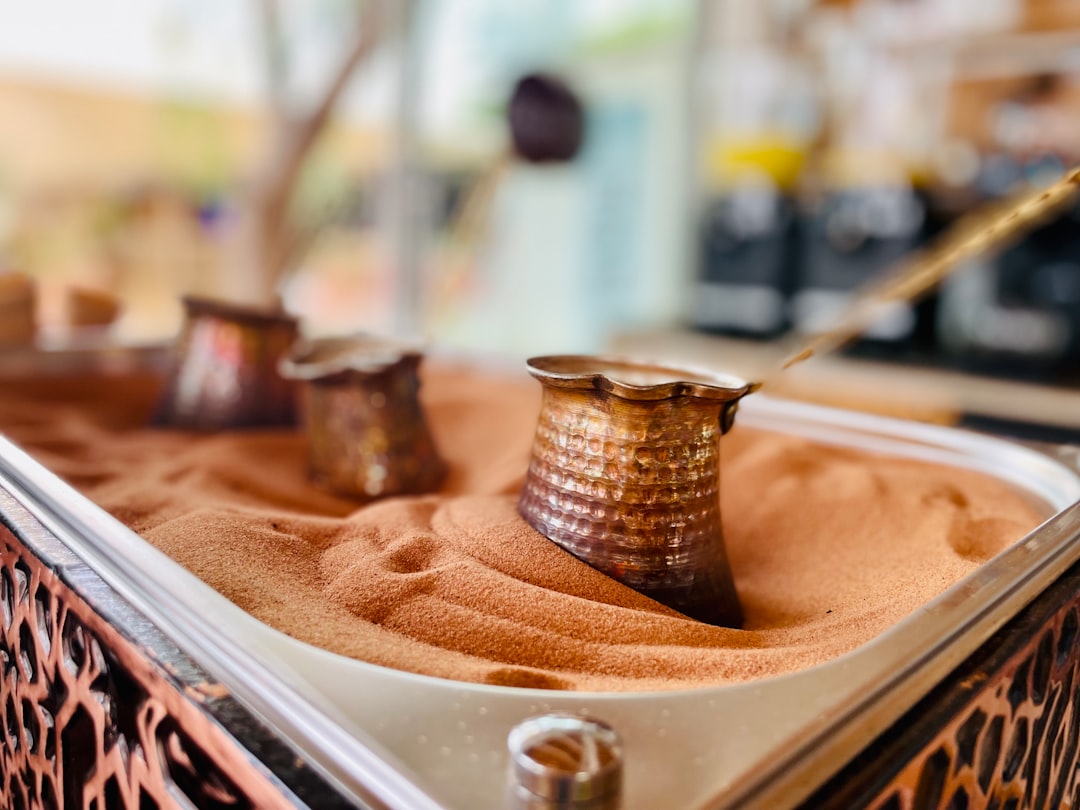
Canvas HTML Template includes a dedicated coffee demo, demo-coffee.html, that ships with a layout tuned specifically for the hospitality aesthetic: warm hierarchy, deliberate whitespace, and conversion-focused structure built on Bootstrap 5. This post walks through how to use and customise that demo to launch a real café or roastery site.
Key Takeaways
- The Canvas Coffee demo (demo-coffee.html) is a purpose-built Bootstrap 5 layout for coffee shops and roasteries, ready to customise without starting from scratch.
- Brand colour changes require editing a single CSS custom property,
--cnvs-themecolor, rather than hunting through stylesheets. - The demo loads Canvas’s shared asset pipeline (
plugins.min.js+functions.bundle.js), so every plugin included in the full template is already available. - Sections such as the hero, menu blocks, and contact area follow Bootstrap 5 grid conventions, making them straightforward to rearrange or extend.
- For agencies delivering client sites quickly, this demo pairs well with the Canvas Builder workflow covered in How Canvas Builder Speeds Up Client Website Delivery for Agencies.
Why Cafés Need a Dedicated Layout, Not a Generic Template
Most generic Bootstrap 5 templates are designed around SaaS or corporate use cases: wide hero banners with abstract gradients, pricing tables above the fold, and CTAs pushing free trials. A coffee shop website has entirely different conversion goals, drive foot traffic, communicate opening hours, surface the menu, and build an emotional connection with the brand. Shoehorning a café into a SaaS template wastes developer time and produces a site that feels off-brand from the first scroll.
The Canvas Coffee demo solves this by starting from the right assumptions. The primary heading, “Coffee Shop & Roasters”, anchors the page around a hospitality identity. The layout prioritises imagery, product storytelling, and local discovery signals over the feature grids and comparison tables that dominate tech templates.
Getting the Demo Running Locally
If you own Canvas, the demo file is at demo-coffee.html in the root of the template package. Open the file and you will see the standard Canvas asset references: a link to the compiled CSS bundle, then two script tags at the bottom of <body>.
<!-- Canvas core CSS (compiled from SCSS) -->
<link rel="stylesheet" href="css/style.css">

<!-- At end of <body> -->
<script src="js/plugins.min.js"></script>
<script src="js/functions.bundle.js"></script>
No build step is required to preview the demo. Serve the folder with any local static server, VS Code Live Server, npx serve ., or Python’s http.server, and the page renders with all animations and plugin behaviours intact. You can also view the live Canvas Coffee demo before purchasing to evaluate the layout.
Rebranding with CSS Custom Properties
The fastest way to apply a café’s brand palette is through Canvas’s theme colour variable. Every accent, buttons, hover states, underlines, icon fills, inherits from a single declaration.
<style>
  :root {
    --cnvs-themecolor: #6B3A2A; / deep espresso brown /
  }
</style>
Add that block inside <head> in demo-coffee.html and the entire page shifts to the new colour instantly. No SCSS compilation required. For teams who want to go deeper, adjusting spacing tokens, font stacks, or component-level variables, the post on SCSS vs CSS Variables for Theming Bootstrap 5 explains when each approach pays off.
Typography is equally straightforward. The demo uses Bootstrap 5’s utility classes for font sizing and weight. Swap the Google Fonts import in <head> and update the font-family on body and your heading selectors to match the café’s brand typeface.
Replacing Placeholder Content Section by Section
The demo is structured as a sequence of semantic sections. Work through them top to bottom:
- Hero / Header: Replace the background image path in the section’s inline style or data attribute. Use a high-resolution photograph of the café interior or a signature drink. Aim for a 1920 × 1080 px minimum to avoid blurriness on retina displays.
- Introduction / Story Block: This is where the brand narrative lives. Keep copy tight, two to three sentences about the roasting philosophy or founding story outperforms a wall of text. Use Bootstrap’s
.col-lg-8 .mx-autoto constrain line length for readability. - Menu / Product Blocks: Each menu item card follows the same repeatable pattern. Duplicate the card markup, swap the image, and update the item name, description, and price. If you need a full subscription or loyalty pricing tier, the patterns in 13 Bootstrap 5 Pricing Table Designs That Drive Sales can be dropped into this section.
- Contact / Location Block: Update the address, phone number, and opening hours. Embed a Google Maps iframe by replacing the placeholder
<iframe>src with the café’s embed URL, Maps generates this from the “Share > Embed a map” flow in under a minute.
<!-- Menu card pattern from demo-coffee.html -->
<div class="col-md-4">
  <div class="card border-0 shadow-sm">
    <img src="images/coffee/latte.jpg" class="card-img-top" alt="Oat Milk Latte">
    <div class="card-body">
      <h5 class="card-title">Oat Milk Latte</h5>
      <p class="card-text text-muted">Single origin espresso with steamed oat milk.</p>
      <span class="fw-bold">£3.80</span>
    </div>
  </div>
</div>
Performance and Image Optimisation for Hospitality Sites
Café sites are image-heavy by nature, which creates a real risk of poor Core Web Vitals scores. Before deploying, run every hero and menu image through a compression tool, 8 Free Tools Every Bootstrap 5 Developer Should Bookmark lists several that work directly in the browser with no install. Target WebP format where browser support allows, and always include a JPEG fallback inside a <picture> element.
<picture>
  <source srcset="images/coffee/hero.webp" type="image/webp">
  <img src="images/coffee/hero.jpg" alt="Barista preparing espresso"
       class="img-fluid" loading="lazy" width="1920" height="1080">
</picture>
Set loading="lazy" on every image below the fold. The hero image, whichever image appears above the fold, must not be lazy-loaded; add fetchpriority="high" instead to improve Largest Contentful Paint (LCP).
SEO Considerations Specific to Local Coffee Shop Sites
A static Bootstrap 5 file has a genuine SEO advantage over dynamically rendered alternatives when configured correctly. Every page ships as pre-rendered HTML, which means crawlers read content immediately without waiting on JavaScript execution. For a local café competing in a specific city or neighbourhood, that technical head start matters.
Add the following to demo-coffee.html inside <head>:
- A precise
<title>tag: “Blue Crow Coffee | Specialty Roastery, Manchester City Centre” - A
meta name="description"of 150 to 158 characters covering the café name, location, and primary offer. - JSON-LD structured data for
LocalBusinessorCafeOrCoffeeShopschema, this powers rich results in Google Maps and search.
<script type="application/ld+json">
{
  "@context": "https://schema.org",
  "@type": "CafeOrCoffeeShop",
  "name": "Blue Crow Coffee",
  "address": {
    "@type": "PostalAddress",
    "streetAddress": "14 Northern Quarter",
    "addressLocality": "Manchester",
    "postalCode": "M1 1AA",
    "addressCountry": "GB"
  },
  "openingHours": ["Mo-Fr 07:30-18:00", "Sa-Su 08:00-17:00"],
  "telephone": "+44-161-000-0000",
  "url": "https://www.example.com"
}
</script>
Frequently Asked Questions
Basic familiarity with Bootstrap 5’s grid classes (container, row, col-*) and utility classes is enough to handle most edits. Canvas adds its own layer of component classes on top, but the demo markup is well-structured and readable, so even developers new to Canvas can navigate it quickly.
The Canvas Coffee demo itself is a front-end HTML template, so it does not include back-end ordering logic. However, you can embed third-party booking widgets (Square, OpenTable, or Booksy) or link to an online ordering platform from the existing CTA buttons. The layout already provides natural anchor points for those integrations.
Locate the hero section in demo-coffee.html and find the inline style or data-bg attribute that references the current image path. Replace the path with your own image file. If you use a CSS background, update the background-image value in a scoped <style> block or in a custom CSS file linked after the main stylesheet.
Yes. The demo inherits Bootstrap 5’s responsive grid and Canvas’s mobile-first component styles. All sections reflow correctly at 320 px and above. Test on real devices rather than relying solely on browser dev tools, particularly for touch interactions on sliders and navigation.
A single demo-coffee.html file works well for one location. For a multi-location chain, duplicate the locations section and repeat the address block for each site, or create a separate locations page. Each location should have its own CafeOrCoffeeShop JSON-LD block with accurate address and opening hours to maximise local SEO value.
Looking for a production-ready Bootstrap 5 HTML template? Browse Canvas Template demos and find the perfect starting point for your next project.
If you’re building with the Canvas HTML Template and want to ship production-ready Bootstrap 5 layouts faster, try Canvas Builder free, the visual builder that exports clean Canvas-ready markup in minutes.
Skip the setup and build it free
Spin up a complete Bootstrap 5 site, blog included, with Canvas Builder. No coding, no cost.

Rohit S
Rohit S builds Canvas at SemiColonWeb, the team behind the Canvas HTML Template, CanvasWP and CanvasBuilder AI.
More from the Canvas Blog