

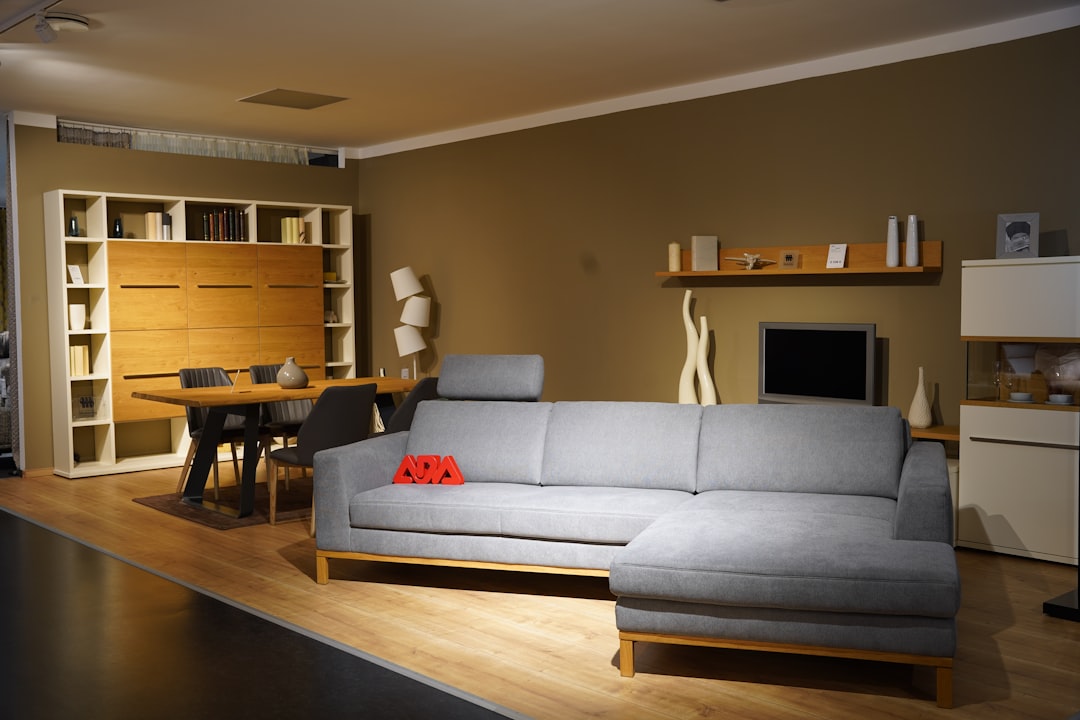
Home and decor brands operate in a visually competitive market where the storefront experience must do as much selling as the products themselves. A slow, generic template communicates the opposite of craftsmanship. The Canvas Furniture Demo, part of the Canvas HTML Template collection on ThemeForest, is purpose-built for exactly this niche, giving furniture retailers, interior decor shops, and home goods brands a polished, conversion-focused starting point without building from scratch.
Key Takeaways
- The Canvas Furniture Demo ships with a dark hero slider, trust-signal bar, category shop grid, and product listings out of the box.
- Built on Bootstrap 5, it supports full CSS custom-property theming via
--cnvs-themecolor. - Conversion-critical elements, free shipping callout, 30-day returns, phone/email support line, are baked into the header area.
- The demo includes New Arrivals and Popular product tabs, social proof through an Instagram feed section, and an “Explore your Home & Office” feature banner.
- All sections map directly to
demo-furniture.htmland can be recombined with any other Canvas component without extra dependencies.
First Impressions: Hero Slider and Trust Bar
The demo opens with a full-width dark hero slider using the class slider-element dark justify-content-start. Left-aligned content on a rich, dark background positions headline copy, “A Home Is Not A Home Without Furniture”, for maximum legibility against lifestyle imagery. The primary call to action, Shop Now, sits directly within the viewport, requiring zero scrolling to reach it.
Directly beneath the hero, a persistent trust-signal bar communicates three things shoppers need to know before they browse: Free Shipping on every order, a 30 Days Return policy, and a direct support line, “Need Help? Call us at +00-11-22-7541 or email us.” These are not afterthoughts tucked into the footer; they are placed at the point of first decision, reducing friction before a product is ever seen.
If you want to lock this trust bar to the viewport as visitors scroll, the technique outlined in adding a sticky header to any Bootstrap 5 template applies directly here with minimal class changes.

Why Choose Us, Brand Credentials at a Glance
The “Why Choose Us?” section packages three credibility pillars into an icon-and-text grid: Worldwide Brand, Award Winner, and Happily Service. For a home decor brand competing against large furniture chains, this section functions as a trust accelerator, communicating scale, recognition, and customer satisfaction in a single scannable row.
Structurally, this is a standard Bootstrap 5 column layout. Each pillar uses an icon, a bold label, and a short supporting line. The pattern is intentionally lightweight so brand colours applied through --cnvs-themecolor propagate instantly without touching component-level CSS.
<!-- Swap the theme accent colour site-wide -->
<style>
  :root {
    --cnvs-themecolor: #b5935a; / warm gold for a luxury furniture brand /
  }
</style>One variable change re-colours buttons, icon accents, hover states, and active indicators across every section simultaneously.
Shop by Category and Tabbed Product Grid
The Shop by Category section presents a visual category grid, the entry point for shoppers who know the room but not the exact product. Below it, a tabbed product section switches between New Arrivals and Popular listings without a page reload, keeping the browsing experience fluid.
The New Arrivals tab surfaces six products including:
- Light Grey Sofa
- Ceiling Lights
- High Stand Chair
- Dining Sofa with Tea-table
- Bathroom Clothes Shelves
- Golden Lamp for Room
- White Cuddle Chair with Cushions
Each product card carries a name, price, anchored by the demo’s $69.97 pricing reference, and an add-to-cart interaction. The View All button at the base of the grid drives traffic to a full catalogue page. The Shopping Cart 2 component, visible in the header, keeps cart state accessible without interrupting product browsing.
For agencies sourcing the right template before committing to a build, the comparison in ThemeForest vs Creative Market: Where to Buy HTML Templates is worth reviewing, Canvas sits on ThemeForest and benefits from its update and support infrastructure.
Feature Banner and USP Strip
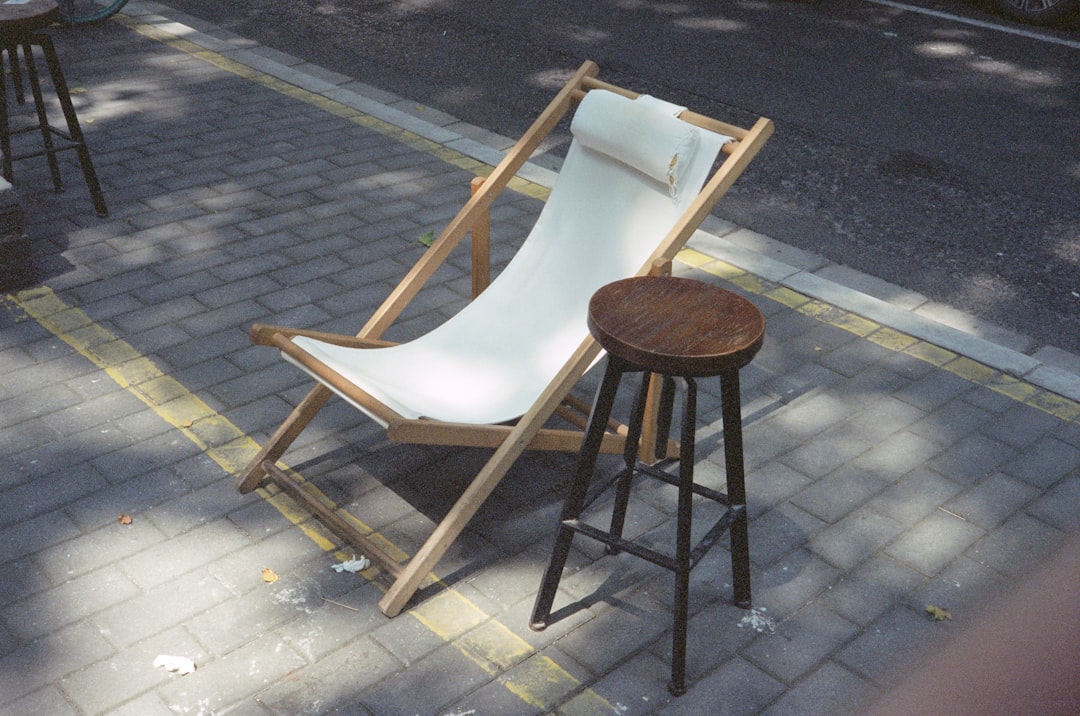
Midway through the page, the “Explore your Home & Office with our Furnitures” banner serves as a full-width editorial break, a Discover Now CTA invites deeper engagement rather than pushing directly to a product. This kind of mid-funnel content moment is particularly effective for considered purchases like furniture, where browsing intent precedes buying intent.
Below this, a three-column USP strip reinforces logistics and trust one more time:
- Original & Excellent Quality
- Free & Fast Shipping
- Secure Payment
The repetition is deliberate. Conversion research consistently shows that trust signals placed both above the product grid and below it outperform single-placement implementations. The demo encodes this best practice structurally, so it cannot be accidentally deleted in a redesign.
Instagram Feed Section and Social Proof
The lower page includes a “Don’t Follow the Crowd, Follow us on Instagram” section, a tiled Instagram-style feed credited to @semicolonweb in the demo. For home and decor brands, this section converts passive browsers into followers and turns user-generated lifestyle imagery into on-site social proof without a separate plugin architecture.
The Social and Support footer sections close the page, ensuring that every exit point still serves a function, either connecting visitors to brand channels or routing genuine support queries away from checkout abandonment.
For teams wanting to go deeper on social proof components beyond this section, Canvas Testimonial Blocks for Social Proof That Converts documents the testimonial patterns available elsewhere in the Canvas component library that can be dropped into this same layout.
Performance and SEO Considerations for a Decor Store
An e-commerce-adjacent furniture site carries a real performance obligation, product imagery is high-resolution and numerous. The Canvas asset pipeline uses plugins.min.js and functions.bundle.js as the sole JS dependencies, keeping the initial script weight predictable. However, the product grid and Instagram feed sections should be paired with lazy loading from day one.
<!-- Native lazy loading for product imagery -->
<img
  src="images/shop/light-grey-sofa.jpg"
  alt="Light Grey Sofa"
  loading="lazy"
  width="600"
  height="600"
/>Adding loading="lazy" to every below-fold product image reduces initial page weight without any JavaScript dependency. For deferring non-critical scripts bundled alongside Canvas, the approach documented in implementing lazy loading and deferred scripts in HTML templates maps directly to this demo’s structure.
On the SEO side, furniture and decor products benefit substantially from Product schema markup. Adding @type: "Product" structured data to each product card enables rich results in Google Search, price, availability, and review stars visible before a click. The implementation process is covered in full at How to Add Schema Markup to a Bootstrap 5 HTML Template.
Customising the Demo for Your Brand
The Furniture Demo file, demo-furniture.html, references only the shared Canvas stylesheet and the two JS bundles. Every section is self-contained and can be extracted, reordered, or replaced with equivalent Canvas components. A practical customisation sequence for a real client project looks like this:
- Set
--cnvs-themecolorin:rootto match the brand palette. - Replace hero slider images with high-resolution brand photography.
- Update product names, prices, and SKU links to connect to a live catalogue or headless commerce API.
- Swap @semicolonweb in the Instagram section for the brand’s actual handle and feed embed.
- Update the support phone number and email in the trust bar to live contact details.
- Apply lazy loading to all product and lifestyle images as shown above.
You can preview every section as it ships at the Canvas Furniture Demo live preview before touching a line of code.
Frequently Asked Questions
The demo provides a complete front-end HTML structure with product cards, a shopping cart component, category navigation, and trust signals. It does not include a back-end cart engine by default. Teams typically connect it to WooCommerce, Shopify Buy Button, or a headless commerce API to handle transactions. The HTML front end is fully compatible with any of those approaches.
Yes. The Canvas Bootstrap 5 template exposes --cnvs-themecolor as a CSS custom property in :root. Overriding this single variable cascades the new accent colour through buttons, icon tints, hover states, and active tab indicators across every section of the Furniture Demo automatically.
The demo includes the Shopping Cart 2 UI component and product card layouts with price display. The cart interaction is a front-end UI pattern; connecting it to live inventory and checkout logic requires integration with a commerce back end or a JavaScript cart library of your choice.
The Instagram section in the demo uses static imagery with a grid layout. For a live feed, replace the static images with output from the Instagram Basic Display API or a third-party embed service such as Elfsight or Behold. The grid structure and CSS classes remain unchanged, only the image sources and links need updating.
No. The Furniture Demo (demo-furniture.html) is included in the full Canvas HTML Template package available on ThemeForest. Purchasing Canvas gives you access to all 50-plus demo files, including the Furniture Demo, along with the shared component library, documentation, and future updates.
Looking for a production-ready Bootstrap 5 HTML template? Browse Canvas Template demos and find the perfect starting point for your next project.
If you’re building with the Canvas HTML Template and want to ship production-ready Bootstrap 5 layouts faster, try Canvas Builder free, the visual builder that exports clean Canvas-ready markup in minutes.
Skip the setup and build it free
Spin up a complete Bootstrap 5 site, blog included, with Canvas Builder. No coding, no cost.

Canvas Team
Tutorials and tips for building beautiful Bootstrap 5 websites with the Canvas HTML Template and Canvas Builder.
More from the Canvas Blog