

Choosing between a premium HTML template and a visual HTML builder is a decision that shapes your entire workflow. Canvas Template vs Bootstrap Studio is a genuine fork in the road for developers and agencies, one offers a meticulously coded, production-ready codebase you deploy immediately; the other is a desktop application that generates Bootstrap HTML through a drag-and-drop interface. Neither is universally better, but one is almost certainly better for you. This comparison cuts through the marketing copy and examines what each tool actually delivers in a professional context.
Key Takeaways
- Canvas Template is a coded HTML template, you own clean, hand-crafted Bootstrap 5 markup from day one, with 50+ demos covering almost every project type.
- Bootstrap Studio is a proprietary desktop application that exports Bootstrap HTML; the output quality depends on how well you use the tool.
- Canvas is a one-time purchase on ThemeForest; Bootstrap Studio requires an ongoing licence to keep exporting and receiving updates.
- For developers who prefer to work in a real code editor, Canvas Template is the stronger choice. For non-coders building simple sites quickly, Bootstrap Studio has merit.
- Canvas ships with a built-in Canvas Builder for colour and typography customisation without touching code, closing one of the key gaps Bootstrap Studio claims to fill.
- Both tools are built on Bootstrap 5, so understanding the framework itself remains the most transferable skill you can invest in.
What Each Tool Actually Is
The comparison only makes sense once you understand the fundamental difference in what you are buying.
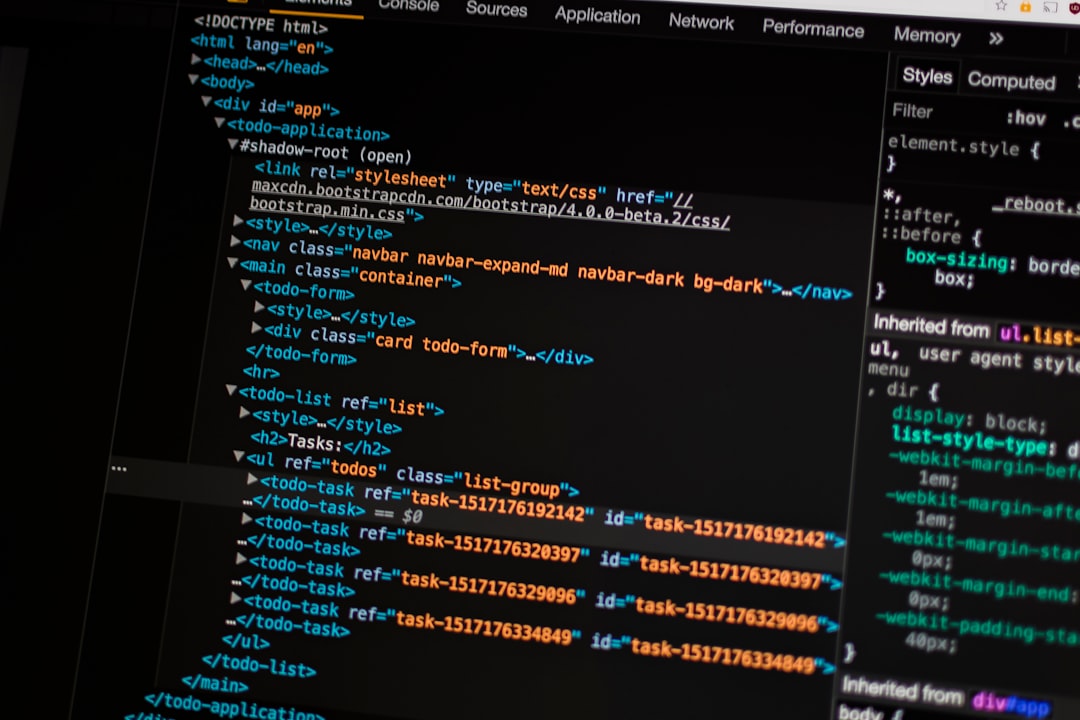
Canvas Template, available at canvastemplate.com, is a premium Bootstrap 5 HTML template purchased on ThemeForest. You receive a ZIP file containing well-structured, human-readable HTML, SCSS source files, JavaScript plugin bundles (plugins.min.js and functions.bundle.js), and 50+ pre-built page demos. You open those files in VS Code, WebStorm, or any editor you prefer and start building. The code you ship is the code you write.
Bootstrap Studio is a desktop application (Mac and Windows) that provides a visual, drag-and-drop canvas over a Bootstrap grid. You build visually, and the app generates HTML and CSS on export. You can edit the generated code, but the application is the source of truth, not a plain text file in version control.
This distinction, template versus tool, explains why nearly every other difference flows from it.
Code Quality and Ownership
Code generated by visual builders has historically carried a reputation for verbose, difficult-to-maintain markup. Bootstrap Studio has improved considerably, but the output still reflects the constraints of any tool that must generalise across all possible layouts. You will encounter inline styles, auto-generated class names, and structural patterns you would not choose yourself.
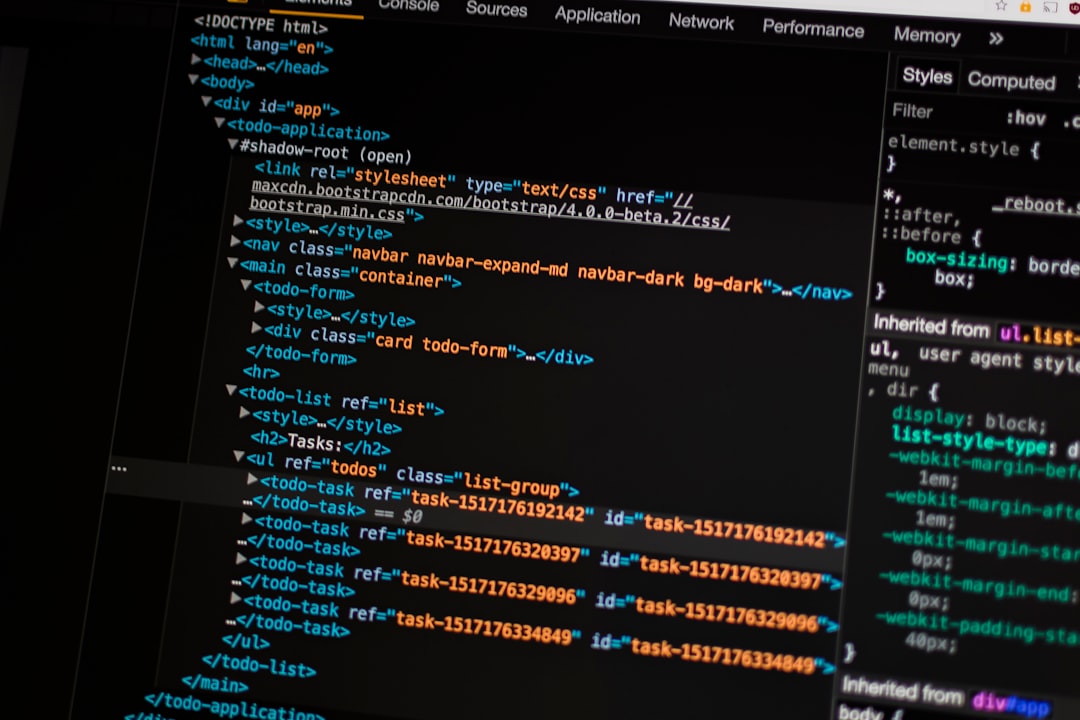
Canvas Template markup is written by front-end developers, reviewed before release, and updated with each Bootstrap 5 minor version. A representative block looks like this:
<section class="section mb-0 py-6">
  <div class="container">
    <div class="row align-items-center col-mb-50">
      <div class="col-lg-6">
        <h2 class="display-4 fw-bold ls-n1 mb-4">
          Build faster with a solid foundation.
        </h2>
        <p class="lead text-muted">
          Fifty-plus demos. One purchase. Zero lock-in.
        </p>
      </div>
    </div>
  </div>
</section>That is code you can read, diff in Git, and hand off to another developer without confusion. Code ownership matters the moment you need to onboard a team member, integrate a CMS, or refactor a section six months into a project.
If you plan to eventually move your project to WordPress, the clean Canvas markup makes that transition far simpler, see our guide on how to convert a Bootstrap 5 HTML template into a WordPress theme for a practical walkthrough.
Customisation Workflow
Bootstrap Studio’s core value proposition is visual customisation without writing CSS. You adjust colours, typography, and spacing through a GUI panel. For developers, this trades speed for flexibility, you are limited to what the GUI exposes.
Canvas Template addresses the same need differently. It ships with Canvas Builder, a browser-based interface for adjusting the template’s design tokens, colours, fonts, spacing scales, which then writes to CSS custom properties (--cnvs-themecolor and related variables). The result is a CSS file you own, not a tool-specific project file.
For teams who need even more control, the SCSS source files are included. You can override Bootstrap’s Sass variables and Canvas’s own variables in a single _variables-custom.scss partial, then compile with any modern build pipeline. Bootstrap Studio’s export pipeline is more opaque by comparison.
A quick example of how Canvas surfaces theming through CSS variables:
<style>
  :root {
    --cnvs-themecolor: #0d6efd;
    --cnvs-themecolor-rgb: 13, 110, 253;
  }
</style>Change those two lines and every accent colour in the template updates, buttons, links, icons, section highlights. That is a developer-grade customisation system, not a workaround.
Pricing and Licensing
This is where the comparison becomes stark for agencies and freelancers.
- Canvas Template, a single ThemeForest purchase covers one end project. An extended licence covers SaaS or multi-site deployments. You pay once; you own the files indefinitely.
- Bootstrap Studio, priced as an annual or lifetime licence for the application, not for individual projects. The lifetime licence is reasonable for a solo developer, but the app’s export capability is gated behind an active licence, meaning if you stop paying, you lose access to the project editor.
For agencies delivering client work, Canvas’s model is more predictable. You purchase per project and hand off complete, self-contained HTML files. There is no dependency on a third-party application being installed and licenced on the client’s machine.
Ecosystem, Demos, and Components
Bootstrap Studio ships with a library of pre-built components you can drag onto the canvas. The catalogue is decent for common patterns, navbars, cards, hero sections, but it is generic by design.
Canvas Template ships with 50+ complete page demos covering agency, SaaS, portfolio, e-commerce, events, restaurant, and more. Each demo is a fully realised design, not a collection of isolated components. When a client asks for a landing page that looks like a real product, you start with a Canvas demo that is already close and edit it, rather than assembling from scratch.
The component library within Canvas includes advanced UI elements, mega menus, off-canvas navigation, sliders, modal video players, typed text animations, all integrated and tested together. Bootstrap Studio’s component library does not match this depth for complex interactive patterns.
Developer Workflow and Tooling
Bootstrap Studio enforces a specific workflow: open the app, edit visually, export. You cannot use it headlessly. You cannot run it in a CI pipeline. You cannot meaningfully collaborate via Git because the source of truth is a proprietary .bsdesign project file, not plain text.
Canvas Template integrates with any workflow you already use:
- Clone the project into a Git repository.
- Open in VS Code with your preferred extensions.
- Use a task runner (Gulp, Vite, or the included build script) to compile SCSS and watch files.
- Deploy to any static host, Netlify, Vercel, GitHub Pages, or a traditional server.
This matters more than it might seem. Professional development is collaborative. Pull requests, branching strategies, and code reviews all depend on the source files being plain text. If you have not already settled on a hosting strategy, our guide on how to host a Bootstrap HTML template for free in 2026 covers the major options.
It is also worth noting that Bootstrap Studio’s output is Bootstrap HTML, which means every skill you build with the framework transfers regardless of which tool generated the markup. If you are weighing Bootstrap’s long-term viability, the Bootstrap in 2026: Is It Still Worth Using? post provides a thorough analysis of where the framework stands today.
When Bootstrap Studio Makes Sense
This is not a one-sided argument. Bootstrap Studio has a genuine use case:
- Non-developers who need to produce Bootstrap-based HTML without writing code.
- Rapid prototyping where visual iteration speed matters more than code quality.
- Solo developers who work in isolation and are comfortable with the visual-first workflow.
- Clients who need to maintain their own site and find a visual editor less intimidating than a code editor (though most CMS solutions serve this need better).
If your primary bottleneck is design decisions rather than implementation, Bootstrap Studio removes friction at the design stage. For developers whose primary bottleneck is time-to-production on complex, custom projects, Canvas Template is the faster path despite appearing to require more upfront skill.
Frequently Asked Questions
In the sense that both produce Bootstrap 5 websites, yes, but they serve different workflows. Canvas Template is a coded HTML template you edit directly in a code editor. Bootstrap Studio is a visual desktop application that generates HTML. If you are looking for a Bootstrap Studio alternative that gives you cleaner code and a more professional workflow, Canvas Template is the strongest option in the premium template market.
You do not need deep Bootstrap expertise to start. The Canvas Builder handles colour and typography customisation through a GUI, and the demos are ready to deploy with minimal changes. That said, understanding Bootstrap’s grid and utility classes will unlock the template’s full potential. You will pick up the fundamentals quickly by editing real, well-written code rather than learning a proprietary tool’s interface.
To a meaningful degree, yes. The source of truth for a Bootstrap Studio project is a .bsdesign binary file. If you stop your Bootstrap Studio subscription, you retain the last-exported HTML but lose the ability to re-open and edit the project visually. Canvas Template files are plain HTML, SCSS, and JavaScript, they are yours with no dependency on any third-party application remaining active.
Canvas Template is the stronger choice for most agencies. You can build a repeatable client delivery workflow around it: start from an appropriate demo, customise to the brief, hand off clean HTML. Every team member works in a code editor they already know, and projects live in Git like any other codebase. Bootstrap Studio’s proprietary project format complicates team collaboration and client handoff.
Canvas Template ships with a curated set of pre-integrated plugins bundled into plugins.min.js, covering sliders, scroll animations, typed text, lightboxes, and more. Behaviour is initialised through functions.bundle.js with data attributes, no custom JavaScript required for standard interactions. For advanced functionality you add yourself, you can extend the build pipeline or include scripts independently. The approach gives you more control than a visual tool’s generated event bindings.
Looking for a production-ready Bootstrap 5 HTML template? Browse Canvas Template demos and find the perfect starting point for your next project.
If you’re building with the Canvas HTML Template and want to ship production-ready Bootstrap 5 layouts faster, try Canvas Builder free, the visual builder that exports clean Canvas-ready markup in minutes.
Where the Alternatives Win
Bootstrap Studio has a genuine edge for non-coders or designers who cannot read or write HTML and CSS fluently, the drag-and-drop interface lets them produce a working Bootstrap layout without touching a text editor. Its lifetime licence also makes economic sense for a solo developer building many simple sites, since there is no per-project purchase cost. For rapid prototyping where code quality and long-term maintainability are secondary concerns, the visual canvas can produce results faster than editing markup by hand.
The Verdict: Who Should Choose What
Developers and agencies who work in real code editors, maintain projects in version control, or hand off work to other developers should choose Canvas Template, the clean Bootstrap 5 markup, SCSS source files, and one-time per-project licensing model are built around that workflow. Bootstrap Studio is genuinely better suited to non-coders, designers building standalone landing pages, or solo operators who want to avoid writing HTML entirely and accept the trade-off of tool dependency and less portable output.
Skip the setup and build it free
Spin up a complete Bootstrap 5 site, blog included, with Canvas Builder. No coding, no cost.

Canvas Team
Tutorials and tips for building beautiful Bootstrap 5 websites with the Canvas HTML Template and Canvas Builder.
More from the Canvas Blog