



Custom Content
Some quick example text to build on the card title and make up the bulk of the card's content.
Go somewhereSome quick example text to build on the card title and make up the bulk of the card's content.
Go somewhereSome quick example text to build on the card title and make up the bulk of the card's content.
Go somewhereSlider


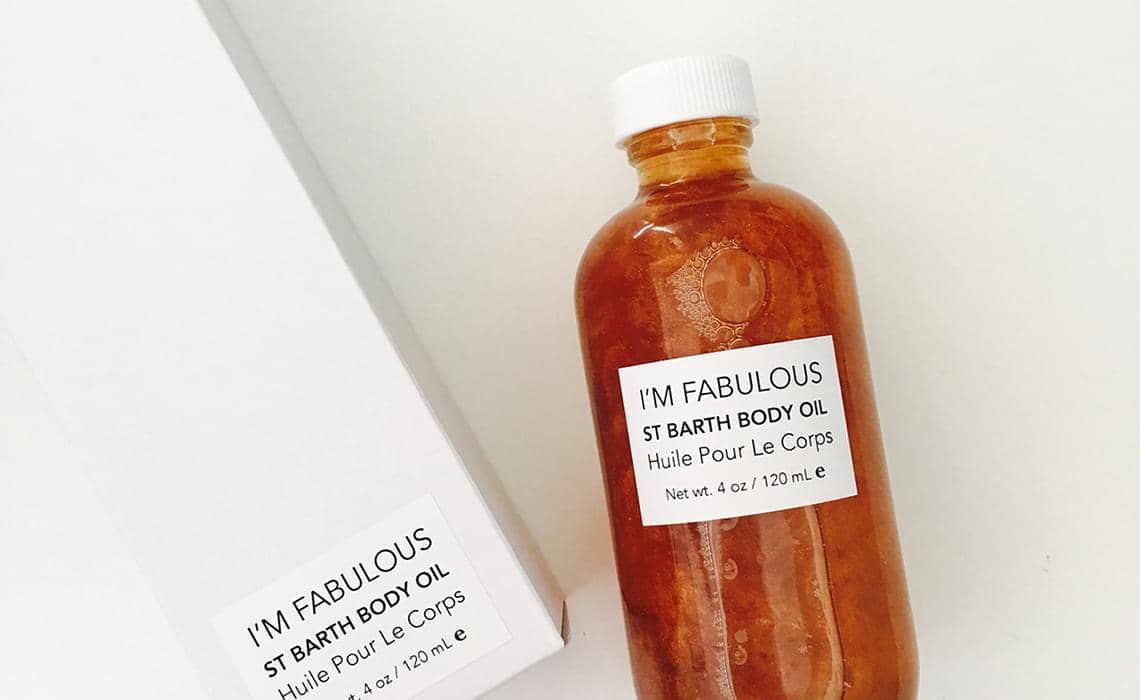
With Fading Animation & Thumbs
Full Thumbs Grid






With Content



Pair any FlexSlider with text columns to build rich, content-driven layouts. The slider floats neatly beside your copy at a fixed width, so captions, descriptions and calls to action sit alongside the imagery without breaking the responsive grid on smaller screens or tablets. It adapts cleanly across breakpoints.
Every slider option is data-attribute driven, so you can enable thumbnails, fade transitions, autoplay or custom navigation without writing a single line of JavaScript. Mix and match the column widths to wrap text around the gallery, drop the slider into a card, or float it left and right within an article. Because the markup follows the Bootstrap grid, your slideshows stay perfectly aligned with surrounding content and reflow gracefully from desktop down to mobile devices, keeping captions readable throughout the design.